01. The project folder is the source of truth.
The main architectural decision is simple: the durable object is the workspace on disk. The chat is a control surface, but the landing page, blog page, article detail page, image assets, input JSON, and critique output are all files the user can inspect and keep.
That choice changes the quality bar. A design pass cannot end as a vague description. It has to leave behind runnable HTML, linked assets, and enough structure for the next edit to continue without reverse-engineering a screenshot.
- Inputs stay explicit. Brand data, imagery strategy, and section structure can be captured beside the page instead of buried in prose.
- Outputs stay editable. HTML, CSS, and JS remain available to future agents or humans without a platform export step.
- Verification has somewhere to write. Critique scores and checks can become files, not just passing comments.
02. Skills are typed execution units.
A skill is more useful than a style prompt because it bundles behavior with assets: instructions, examples, seed templates, references, and a checklist. For Atelier Zero, the page is not supposed to guess its visual world. The skill provides a house style and asks the agent to compose inside it.
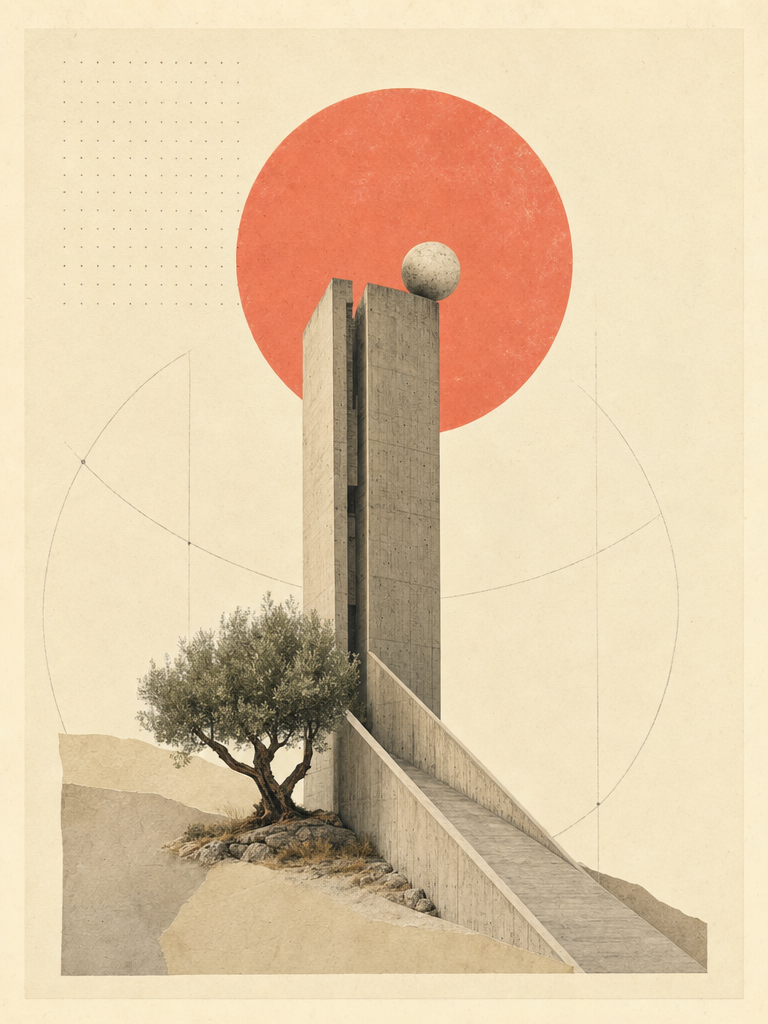
That is how the system avoids generic output. The recipe defines the warm paper canvas, Inter Tight headlines, Playfair italic emphasis, dotted hairlines, coral accent, collage plates, reveal motion, and Roman section rhythm before page content begins.
- Instruction layer: when to ask, when to build, how to verify, and what failure modes to avoid.
- Asset layer: templates, images, manifests, and examples that preserve visual continuity.
- Checklist layer: concrete pass criteria that keep motion, responsiveness, copy, and brand posture honest.
03. The daemon is a bridge, not a magic box.
The local runtime coordinates project state, previews, media jobs, and visible progress. The important part is the separation of concerns: the agent designs and edits; the workspace records; the browser renders; long-running jobs return structured handoffs.
This keeps the user in control. They can watch files appear, stop refinement, open the current page, and continue from the same artifact later.
04. The preview is an interactive runtime.
Open Design artifacts are usually HTML because HTML gives the user a real surface quickly. Filters can filter, copy buttons can copy, validation can validate, article progress can update, and responsive rules can be exercised immediately.
That does not mean every artifact should look like a web page. A deck should behave like a deck; an app prototype should behave like an app; a journal should read like an editorial product. HTML is the substrate, not the style.
- For pages: semantic sections, real navigation, responsive layout, and progressive enhancement.
- For articles: reading progress, active table of contents, copyable snippets, and related-note journeys.
- For app surfaces: separate files per screen when the product needs distinct surfaces.
05. Critique becomes a stage.
The system works because it asks for a design critique before handoff. Not a long apology, but a structured reading: clarity, hierarchy, typography, motion, and brand consistency. If the score is weak, the page gets revised.
For this blog pair, the critique target is specific: preserve the Atelier Zero posture while adding implementation-grade article behavior. The filter controls and article scripts are product UX; there are no designer-only switches inside the page.
- Clarity: one obvious page purpose, visible archive path, and clear article progression.
- Hierarchy: editorial cover first, then controls, then content grids or article columns.
- Motion: scroll reveal and progress should support reading, not distract from it.
06. Media jobs use handoffs.
Images and videos can take longer than a page edit. The architecture treats them as asynchronous project events: generate, wait, copy the resulting file into the workspace, then reference that file from the artifact.
This page uses the existing Atelier Zero collage plates. That keeps the first blog build fast and visually consistent while still leaving room for a later image-generation pass if the brand wants new editorial plates.
07. The final layer is restraint.
The stack can generate a lot, but the page should not show off the stack. The user sees a journal and an article, not a control panel for the generator. A single coral accent, one collage language, one motion vocabulary, and useful article interactions are enough.
That is the Atelier Zero promise: editorial confidence, visible craft, and enough technical structure that the next design move can happen without starting over.
brief
  -> discovery answers
  -> active design system
  -> skill template + assets
  -> project files
  -> browser preview
  -> checklist + critique
  -> handoff